Managing your plan
We appreciate your business and want to make managing your plan easy. With these online tools, you and your team can enroll new members, pay your bill and more.
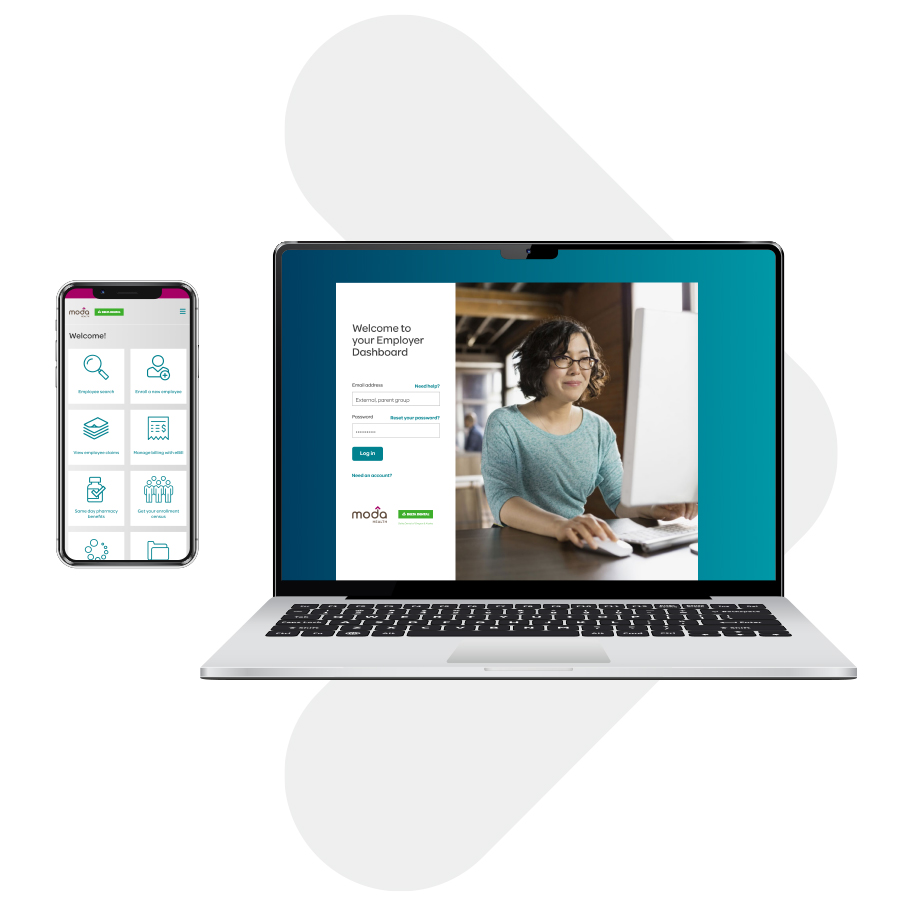
Employer Dashboard
The Employer Dashboard is your go-to resource for managing your Moda Health group plan. With a single login, you have access to administrative capabilities and eBill, allowing you to view and pay invoices. You can assign multiple access roles within your company to allow custom permission to tools and data.
Create an account
You’ll need an account to start using the Employer Dashboard. If your company already has an Employer Dashboard account, ask a company admin to give you access. If your company does not have an account, we’ll be happy to set one up for you. Learn more about how to get an Employer Dashboard account.
Based on your access, you can:
- Enroll employees and dependents
- Terminate coverage
- Change employee demographics
- Review employee enrollment information and history
- Generate an enrollment census for all covered members
- View information about administrative rules and plan details
- View Member Handbooks
- View and/or pay invoices for accounts using eBill
- Message us securely
- Request ID cards
- Make member primary care provider selections, when applicable
- View claims (self-insured employers only)
Corporate reports
Groups with 100 or more enrolled employees can view and download up to 12 months of corporate reporting data. Log in to your Employer Dashboard to access your corporate reports.